Character Emerging From Smartphone Screen Forced Perspective | HowToWr
High-Fidelity AI Prompt by sushil joshi
Midjourney
Image Generation
photorealistic
Character Emerging From Smartphone Screen Forced Perspective | HowToWr
A structured Image Generation prompt optimized for midjourney. Utilizes a 85mm optical perspective and Rembrandt 3-point studio lighting with 45° key light and soft fill bounce to produce crisp, high-detail results without artificial smoothing.
Image Generation Prompt
Direct Copy & Paste
6
0 copies
🍌 Prompt A Ultra-realistic photo. The moment this character emerges three-dimensionally from a smartphone placed on a table. One hand is reaching towards the viewer, the other hand is on the smartphone frame, the lower body is inside the smartphone, and the feet are cropped out. The character is looking at the viewer. Due to strong exaggerated perspective (extreme wide-angle, forced perspective), the hands and face appear extremely large, being very close to the camera, and the lower body appears smaller in the back, creating a three-dimensional depth composition. 🍌 Prompt B Ultra-realistic photo. The moment this character emerges three-dimensionally from a smartphone placed on a table. One hand is reaching towards the viewer, one foot is on the smartphone frame, and the lower body is inside the smartphone. Exaggerated perspective makes the nearby face and hands look large. Motifs associated with the atmosphere of the reference image also pop out. The character is leaping out vigorously while looking at the viewer, and motion blur is occurring, 85mm telephoto lens compression with creamy background bokeh, captured on Leica M11 with Summilux-M 50mm f/1.4 ASPH lens, High-key crisp editorial studio lighting with subtle catchlights in eyes, authentic skin micro-textures, true-to-life surface physics, ultra-detailed editorial photography, Over-the-shoulder conversational framing, captured on 70-200mm telephoto compressed lens, Rembrandt 3-point studio lighting with 45° key light and soft fill bounce, natural surface physics, 8K ultra-detailed editorial photography --ar 16:9 --v 6.1 --style raw
Ready to paste directly into Midjourney, Flux, or DALL·E to create this image.
Prompt Variations
Tailored versions of this prompt fine-tuned for Midjourney, Flux, DALL·E 3, and alternative styles.
gemini
--ar 16:9
🍌 Prompt A Ultra-realistic photo. The moment this character emerges three-dimensionally from a smartphone placed on a table. One hand is reaching towards the viewer, the other hand is on the smartphone frame, the lower body is inside the smartphone, and the feet are cropped out. The character is looking at the viewer. Due to strong exaggerated perspective (extreme wide-angle, forced perspective), the hands and face appear extremely large, being very close to the camera, and the lower body appears smaller in the back, creating a three-dimensional depth composition. 🍌 Prompt B Ultra-realistic photo. The moment this character emerges three-dimensionally from a smartphone placed on a table. One hand is reaching towards the viewer, one foot is on the smartphone frame, and the lower body is inside the smartphone. Exaggerated perspective makes the nearby face and hands look large. Motifs associated with the atmosphere of the reference image also pop out. The character is leaping out vigorously while looking at the viewer, and motion blur is occurring, 85mm telephoto lens compression with creamy background bokeh, captured on Leica M11 with Summilux-M 50mm f/1.4 ASPH lens, High-key crisp editorial studio lighting with subtle catchlights in eyes, authentic skin micro-textures, true-to-life surface physics, 8K ultra-detailed editorial photography
midjourney
--ar 16:9 --v 6.1 --style raw
🍌 Prompt A Ultra-realistic photo. The moment this character emerges three-dimensionally from a smartphone placed on a table. One hand is reaching towards the viewer, the other hand is on the smartphone frame, the lower body is inside the smartphone, and the feet are cropped out. The character is looking at the viewer. Due to strong exaggerated perspective (extreme wide-angle, forced perspective), the hands and face appear extremely large, being very close to the camera, and the lower body appears smaller in the back, creating a three-dimensional depth composition. 🍌 Prompt B Ultra-realistic photo. The moment this character emerges three-dimensionally from a smartphone placed on a table. One hand is reaching towards the viewer, one foot is on the smartphone frame, and the lower body is inside the smartphone. Exaggerated perspective makes the nearby face and hands look large. Motifs associated with the atmosphere of the reference image also pop out. The character is leaping out vigorously while looking at the viewer, and motion blur is occurring, 85mm telephoto lens compression with creamy background bokeh, captured on Leica M11 with Summilux-M 50mm f/1.4 ASPH lens, High-key crisp editorial studio lighting with subtle catchlights in eyes, authentic skin micro-textures, true-to-life surface physics, 8K ultra-detailed editorial photography
Negative: --no plastic, blur, oversaturated, deformed hands, cartoon
flux
--ar 16:9
🍌 Prompt A Ultra-realistic photo. The moment this character emerges three-dimensionally from a smartphone placed on a table. One hand is reaching towards the viewer, the other hand is on the smartphone frame, the lower body is inside the smartphone, and the feet are cropped out. The character is looking at the viewer. Due to strong exaggerated perspective (extreme wide-angle, forced perspective), the hands and face appear extremely large, being very close to the camera, and the lower body appears smaller in the back, creating a three-dimensional depth composition. 🍌 Prompt B Ultra-realistic photo. The moment this character emerges three-dimensionally from a smartphone placed on a table. One hand is reaching towards the viewer, one foot is on the smartphone frame, and the lower body is inside the smartphone. Exaggerated perspective makes the nearby face and hands look large. Motifs associated with the atmosphere of the reference image also pop out. The character is leaping out vigorously while looking at the viewer, and motion blur is occurring, 85mm telephoto lens compression with creamy background bokeh, captured on Leica M11 with Summilux-M 50mm f/1.4 ASPH lens, High-key crisp editorial studio lighting with subtle catchlights in eyes, authentic skin micro-textures, true-to-life surface physics, 8K ultra-detailed editorial photography
chatgpt
🍌 Prompt A Ultra-realistic photo. The moment this character emerges three-dimensionally from a smartphone placed on a table. One hand is reaching towards the viewer, the other hand is on the smartphone frame, the lower body is inside the smartphone, and the feet are cropped out. The character is looking at the viewer. Due to strong exaggerated perspective (extreme wide-angle, forced perspective), the hands and face appear extremely large, being very close to the camera, and the lower body appears smaller in the back, creating a three-dimensional depth composition. 🍌 Prompt B Ultra-realistic photo. The moment this character emerges three-dimensionally from a smartphone placed on a table. One hand is reaching towards the viewer, one foot is on the smartphone frame, and the lower body is inside the smartphone. Exaggerated perspective makes the nearby face and hands look large. Motifs associated with the atmosphere of the reference image also pop out. The character is leaping out vigorously while looking at the viewer, and motion blur is occurring, 85mm telephoto lens compression with creamy background bokeh, captured on Leica M11 with Summilux-M 50mm f/1.4 ASPH lens, High-key crisp editorial studio lighting with subtle catchlights in eyes, authentic skin micro-textures, true-to-life surface physics, 8K ultra-detailed editorial photography
Generation Specs & Guide
Style / Mood
photorealistic
Camera & Lens
{
"camera_angle": "85mm telephoto lens compression with creamy background bokeh",
"optical_lens": "Leica M11 with Summilux-M 50mm f/1.4 ASPH lens",
"lighting_setup": "High-key crisp editorial studio lighting with subtle catchlights in eyes",
"aspect_ratio": "16:9",
"render_engine": "Midjourney v6.1 (--v 6.1 --style raw)"
}
Recommended Model
Midjourney
### 🎭 Portrait Anatomy & Optical Breakdown
- **Subject**: Ultra-realistic photo
- **Pose**: Natural relaxed posture facing the lens
- **Framing**: Medium close-up portrait framing with head and shoulders focus
- **Camera Angle**: Eye-level direct angle for authentic human engagement
- **Focal Intent**: Optical 85mm optical lens portrait rendering with natural facial compression and no wide-angle distortion
- **Lighting**: Soft diffused directional key light with gentle fill shadow transition
- **Skin Rendering**: Subtle subsurface scattering, authentic micro-textures, natural pores without plastic airbrushing
- **Background Separation**: Shallow depth of field (f/1.4) creating smooth creamy bokeh separation from background elements
- **Identity Constraints**: Symmetrical anatomical proportions, sharp catchlights in eyes, clean jawline definition
Image Generation
High-fashion Editorial Cover Prompt Generator
Gemini
0

Image Generation
Celestial Thunder God Portrait Epic Norse Warrior Prompt
Gemini
3
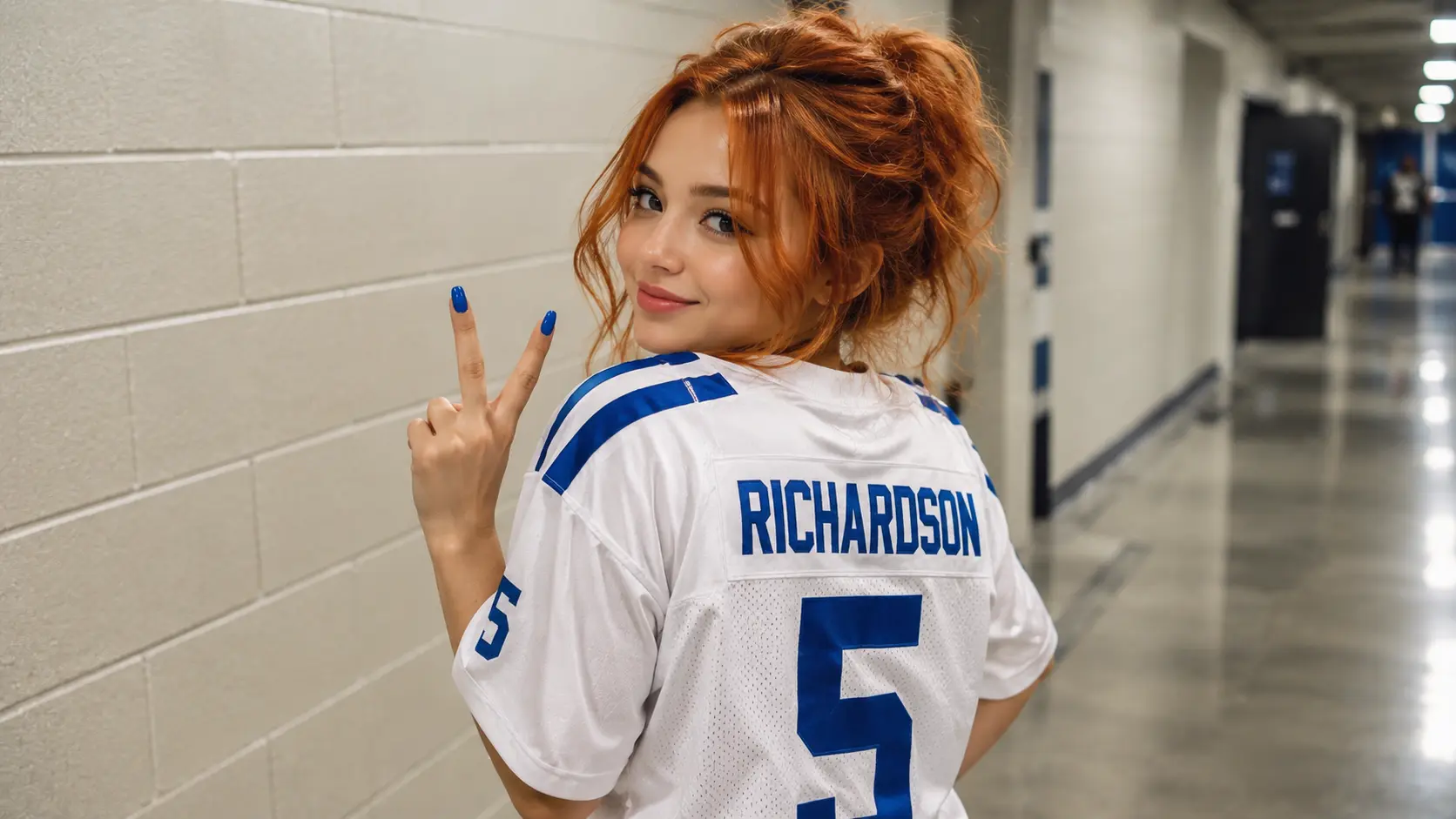
Image Generation
Young Woman In Football Jersey At Stadium
Midjourney
0
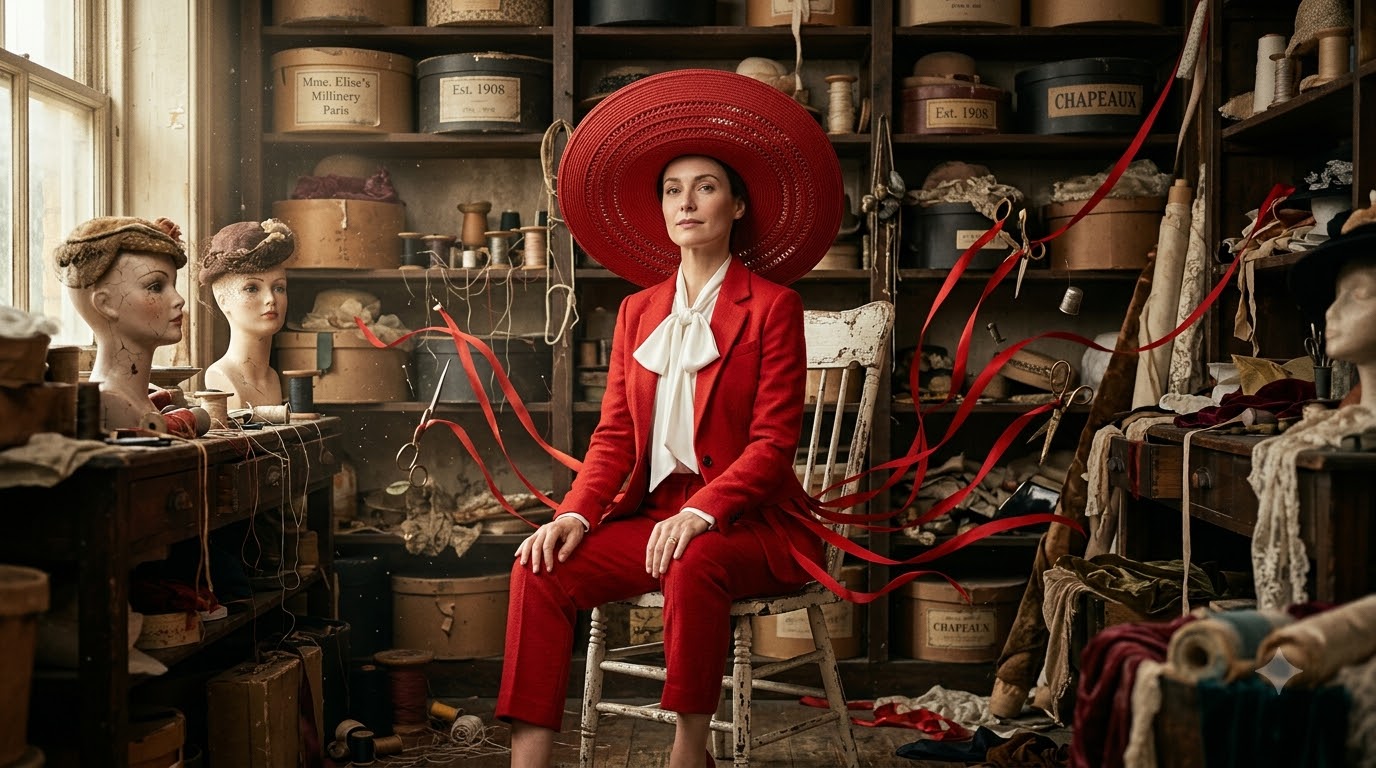
Image Generation
Zendaya Crimson Archive Surreal High-fashion Editorial Prompt
Gemini
0