Midjourney
AI Design
photorealistic
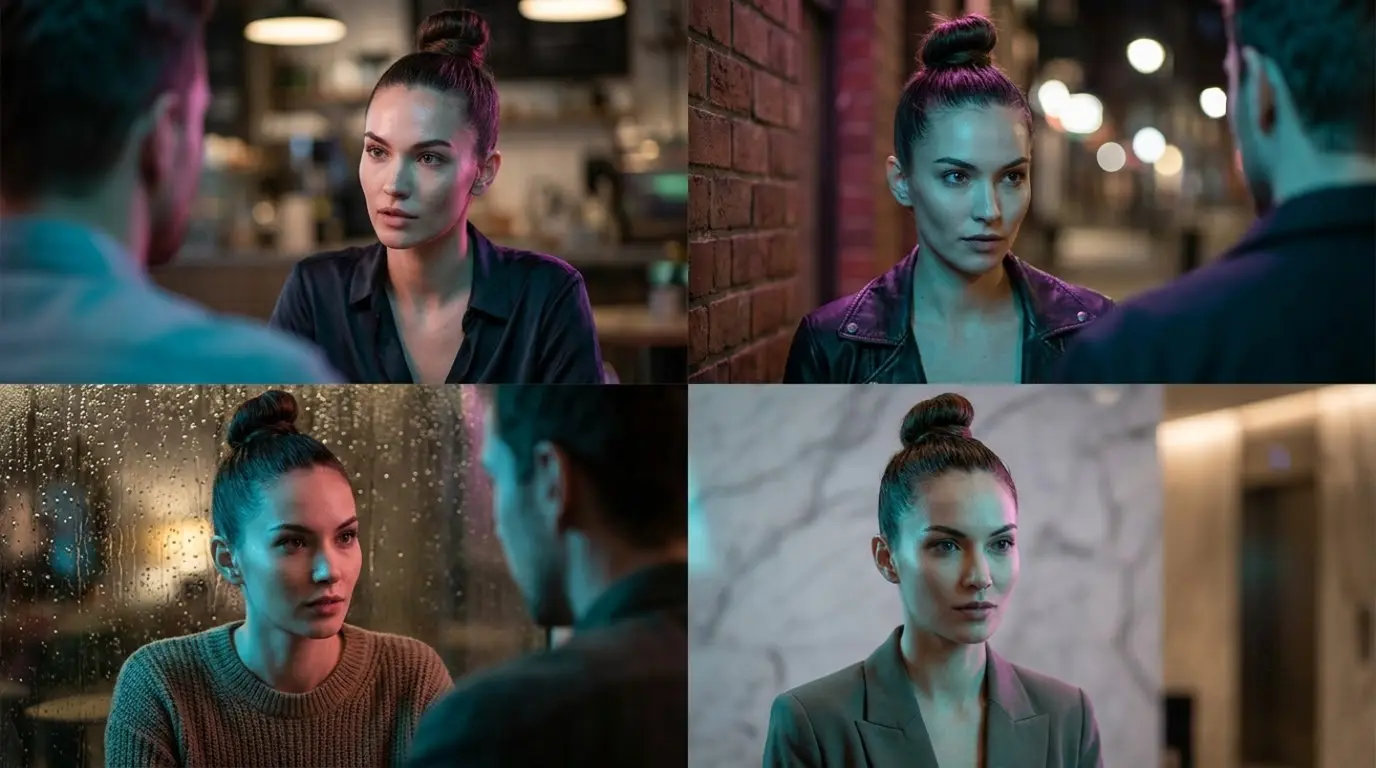
Surreal Fashion Editorial Collage 4 Worlds 1 Model
Surreal Fashion Editorial Collage 4 Worlds 1 Model: Instant copy-and-paste Image Generation prompt optimized for Midjourney. Easily adapt with dynamic parameters to match your exact project requirements. (Focus: When working with multi-frame grids, the AI's rendering engine has to manage a massive amount of vis...)
Image Generation Prompt
Direct Copy & Paste
78
0 copies
When working with multi-frame grids, the AI's rendering engine has to manage a massive amount of visual data. To prevent colors and outfits from blending across the panels: subject description (Character Anchor): Use a highly consistent, simple anchor phrase (e.g., "the same female model with sharp features and a high-fashion topknot Bun") across the main prompt. This forces the generator to maintain facial consistency across all four frames. camera and lens (Optical Physics): Stick to telephoto or portrait lenses (e.g., Sony A7R V 85mm f/1.4 GM or Hasselblad X2D 100C 80mm f/2.8). Avoid wide-angle lenses, as they will warp the grid borders and distort the models' faces. global lighting setup & global diffusion setup (Visual Harmony): The secret to a professional grid is a unified light source. Keep the overall lighting rules (e.g., volumetric rim light and soft overcast studio diffusion) consistent across all four panels to tie the diverse environments together seamlessly. micro textures (The "Realism Glue"): Explicitly describe distinct physical micro-textures for each panel (e.g., fine skin pores and silk fabric weave in Frame 1, glass condensation droplets in Frame 3, polished marble veins in Frame 4). This prevents the AI from defaulting to an overly smooth, cartoonish render, Over-the-shoulder conversational cinematic framing, captured on Hasselblad X2D 100C with 80mm f/2.8 medium format lens, Vibrant cinematic dual-tone lighting (neon cyan key + magenta rim edge), authentic skin micro-textures, true-to-life surface physics, 8K ultra-detailed editorial photography --ar 16:9 --v 6.1 --style raw
Ready to paste directly into Midjourney, Flux, or DALL·E to create this image.
Prompt Variations
Tailored versions of this prompt fine-tuned for Midjourney, Flux, DALL·E 3, and alternative styles.
midjourney
When working with multi-frame grids, the AI's rendering engine has to manage a massive amount of visual data. To prevent colors and outfits from blending across the panels: subject description (Character Anchor): Use a highly consistent, simple anchor phrase (e.g., "the same female model with sharp features and a high-fashion topknot Bun") across the main prompt. This forces the generator to maintain facial consistency across all four frames. camera and lens (Optical Physics): Stick to telephoto or portrait lenses (e.g., Sony A7R V 85mm f/1.4 GM or Hasselblad X2D 100C 80mm f/2.8). Avoid wide-angle lenses, as they will warp the grid borders and distort the models' faces. global lighting setup & global diffusion setup (Visual Harmony): The secret to a professional grid is a unified light source. Keep the overall lighting rules (e.g., volumetric rim light and soft overcast studio diffusion) consistent across all four panels to tie the diverse environments together seamlessly. micro textures (The "Realism Glue"): Explicitly describe distinct physical micro-textures for each panel (e.g., fine skin pores and silk fabric weave in Frame 1, glass condensation droplets in Frame 3, polished marble veins in Frame 4). This prevents the AI from defaulting to an overly smooth, cartoonish render, Over-the-shoulder conversational cinematic framing, captured on Hasselblad X2D 100C with 80mm f/2.8 medium format lens, Vibrant cinematic dual-tone lighting (neon cyan key + magenta rim edge), authentic skin micro-textures, true-to-life surface physics, 8K ultra-detailed editorial photography
gemini
When working with multi-frame grids, the AI's rendering engine has to manage a massive amount of visual data. To prevent colors and outfits from blending across the panels: subject description (Character Anchor): Use a highly consistent, simple anchor phrase (e.g., "the same female model with sharp features and a high-fashion topknot Bun") across the main prompt. This forces the generator to maintain facial consistency across all four frames. camera and lens (Optical Physics): Stick to telephoto or portrait lenses (e.g., Sony A7R V 85mm f/1.4 GM or Hasselblad X2D 100C 80mm f/2.8). Avoid wide-angle lenses, as they will warp the grid borders and distort the models' faces. global lighting setup & global diffusion setup (Visual Harmony): The secret to a professional grid is a unified light source. Keep the overall lighting rules (e.g., volumetric rim light and soft overcast studio diffusion) consistent across all four panels to tie the diverse environments together seamlessly. micro textures (The "Realism Glue"): Explicitly describe distinct physical micro-textures for each panel (e.g., fine skin pores and silk fabric weave in Frame 1, glass condensation droplets in Frame 3, polished marble veins in Frame 4). This prevents the AI from defaulting to an overly smooth, cartoonish render, Over-the-shoulder conversational cinematic framing, captured on Hasselblad X2D 100C with 80mm f/2.8 medium format lens, Vibrant cinematic dual-tone lighting (neon cyan key + magenta rim edge), authentic skin micro-textures, true-to-life surface physics, 8K ultra-detailed editorial photography
flux
When working with multi-frame grids, the AI's rendering engine has to manage a massive amount of visual data. To prevent colors and outfits from blending across the panels: subject description (Character Anchor): Use a highly consistent, simple anchor phrase (e.g., "the same female model with sharp features and a high-fashion topknot Bun") across the main prompt. This forces the generator to maintain facial consistency across all four frames. camera and lens (Optical Physics): Stick to telephoto or portrait lenses (e.g., Sony A7R V 85mm f/1.4 GM or Hasselblad X2D 100C 80mm f/2.8). Avoid wide-angle lenses, as they will warp the grid borders and distort the models' faces. global lighting setup & global diffusion setup (Visual Harmony): The secret to a professional grid is a unified light source. Keep the overall lighting rules (e.g., volumetric rim light and soft overcast studio diffusion) consistent across all four panels to tie the diverse environments together seamlessly. micro textures (The "Realism Glue"): Explicitly describe distinct physical micro-textures for each panel (e.g., fine skin pores and silk fabric weave in Frame 1, glass condensation droplets in Frame 3, polished marble veins in Frame 4). This prevents the AI from defaulting to an overly smooth, cartoonish render, Over-the-shoulder conversational cinematic framing, captured on Hasselblad X2D 100C with 80mm f/2.8 medium format lens, Vibrant cinematic dual-tone lighting (neon cyan key + magenta rim edge), authentic skin micro-textures, true-to-life surface physics, 8K ultra-detailed editorial photography
chatgpt
When working with multi-frame grids, the AI's rendering engine has to manage a massive amount of visual data. To prevent colors and outfits from blending across the panels: subject description (Character Anchor): Use a highly consistent, simple anchor phrase (e.g., "the same female model with sharp features and a high-fashion topknot Bun") across the main prompt. This forces the generator to maintain facial consistency across all four frames. camera and lens (Optical Physics): Stick to telephoto or portrait lenses (e.g., Sony A7R V 85mm f/1.4 GM or Hasselblad X2D 100C 80mm f/2.8). Avoid wide-angle lenses, as they will warp the grid borders and distort the models' faces. global lighting setup & global diffusion setup (Visual Harmony): The secret to a professional grid is a unified light source. Keep the overall lighting rules (e.g., volumetric rim light and soft overcast studio diffusion) consistent across all four panels to tie the diverse environments together seamlessly. micro textures (The "Realism Glue"): Explicitly describe distinct physical micro-textures for each panel (e.g., fine skin pores and silk fabric weave in Frame 1, glass condensation droplets in Frame 3, polished marble veins in Frame 4). This prevents the AI from defaulting to an overly smooth, cartoonish render, Over-the-shoulder conversational cinematic framing, captured on Hasselblad X2D 100C with 80mm f/2.8 medium format lens, Vibrant cinematic dual-tone lighting (neon cyan key + magenta rim edge), authentic skin micro-textures, true-to-life surface physics, 8K ultra-detailed editorial photography
Generation Specs & Guide
Style / Mood
photorealistic
Camera & Lens
{
"camera_angle": "Over-the-shoulder conversational cinematic framing",
"optical_lens": "Hasselblad X2D 100C with 80mm f/2.8 medium format lens",
"lighting_setup": "Vibrant cinematic dual-tone lighting (neon cyan key + magenta rim edge)",
"aspect_ratio": "16:9",
"render_engine": "Midjourney v6.1 (--v 6.1 --style raw)"
}
Recommended Model
Midjourney
### 🎭 Portrait Anatomy & Optical Breakdown
- **Subject**: Massive amount of visual d
- **Pose**: Natural relaxed posture facing the lens
- **Framing**: Medium close-up portrait framing with head and shoulders focus
- **Camera Angle**: Eye-level direct angle for authentic human engagement
- **Focal Intent**: Optical 85mm optical lens portrait rendering with natural facial compression and no wide-angle distortion
- **Lighting**: Soft diffused directional key light with gentle fill shadow transition
- **Skin Rendering**: Subtle subsurface scattering, authentic micro-textures, natural pores without plastic airbrushing
- **Background Separation**: Shallow depth of field (f/1.4) creating smooth creamy bokeh separation from background elements
- **Identity Constraints**: Symmetrical anatomical proportions, sharp catchlights in eyes, clean jawline definition
AI Design
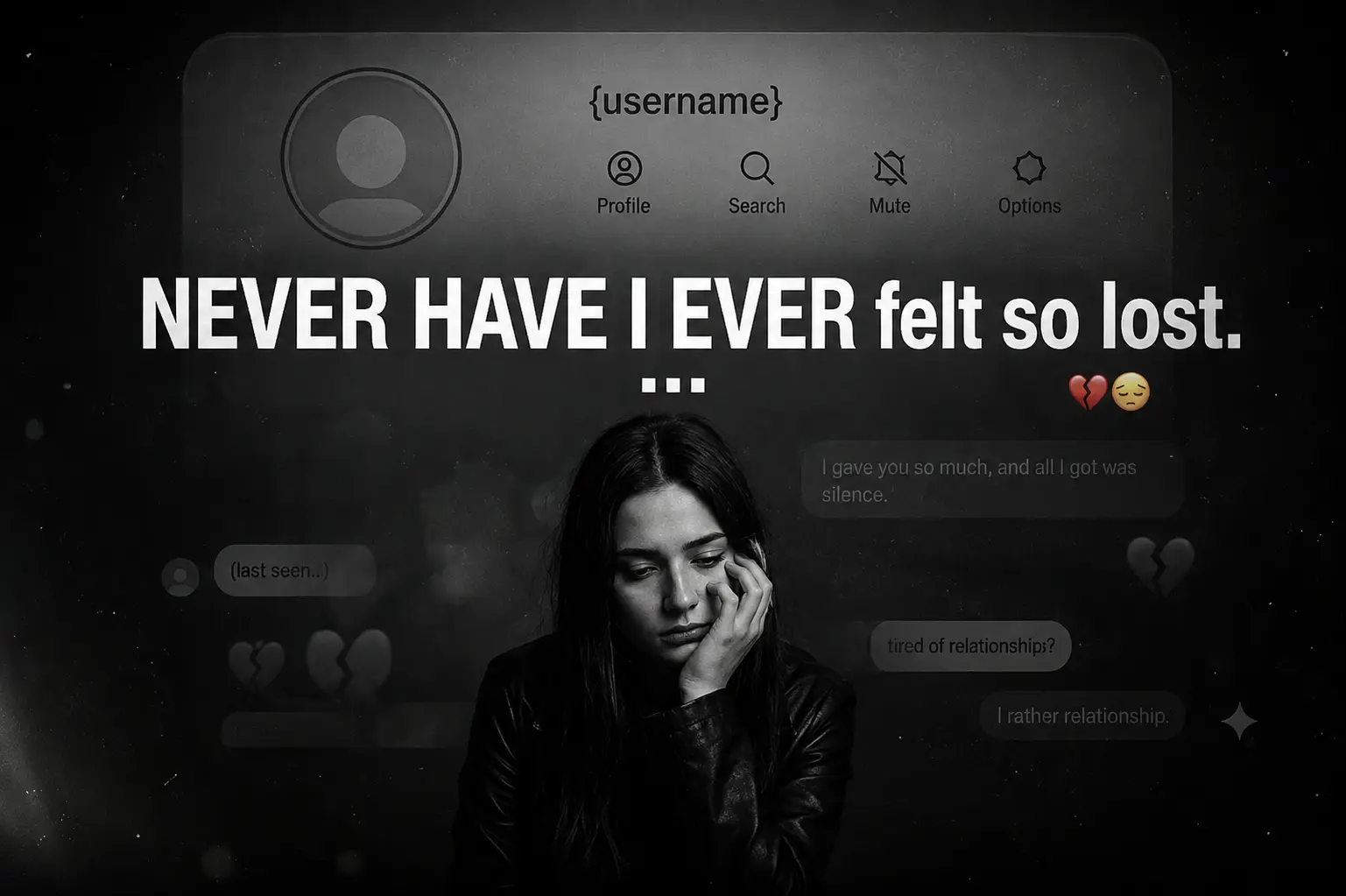
Instagram Heartbreak Memories Photo Edit Prompt
Chatgpt
1
AI Design
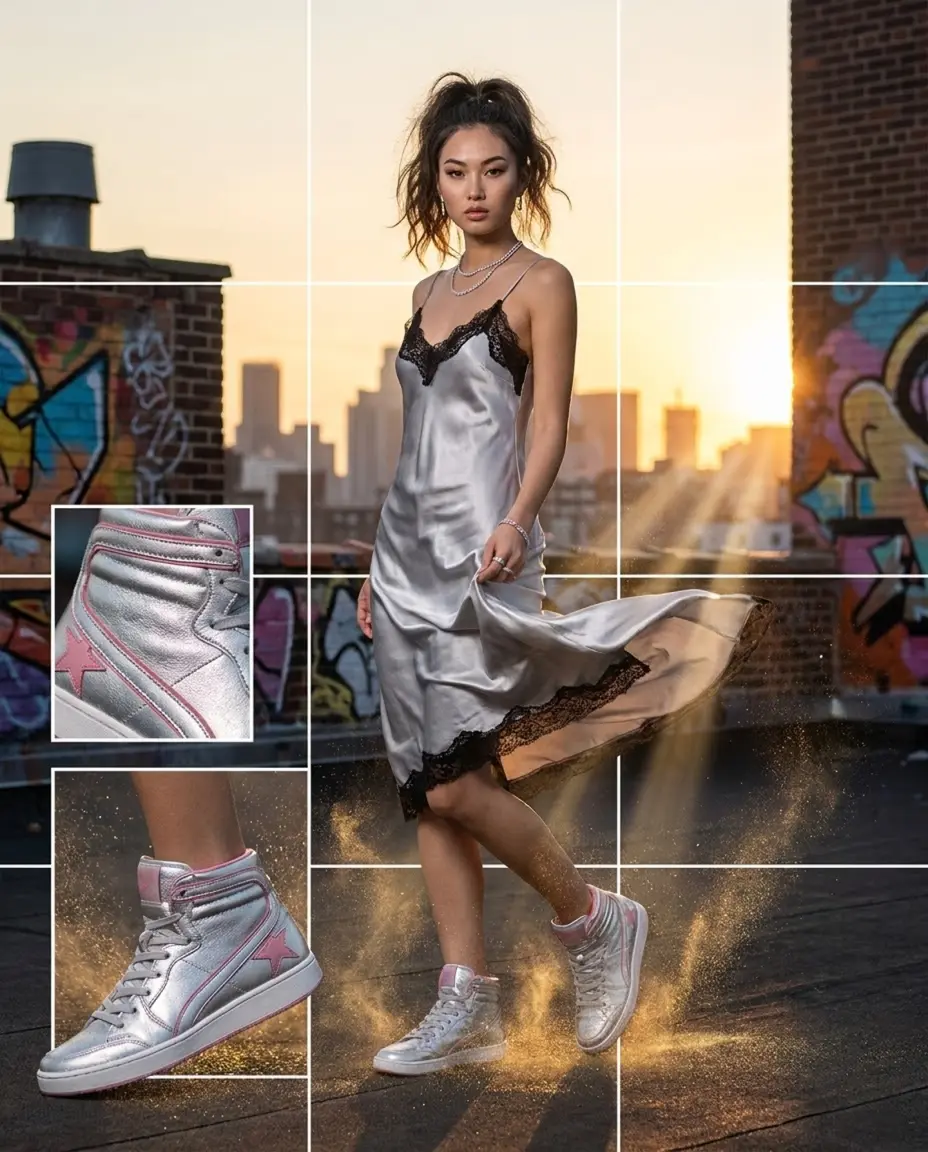
Luxury Streetwear Instagram Feed Composite | HowToWritePrompt
Midjourney
0
Image Generation
High-fashion Editorial Cover Prompt Generator
Gemini
0
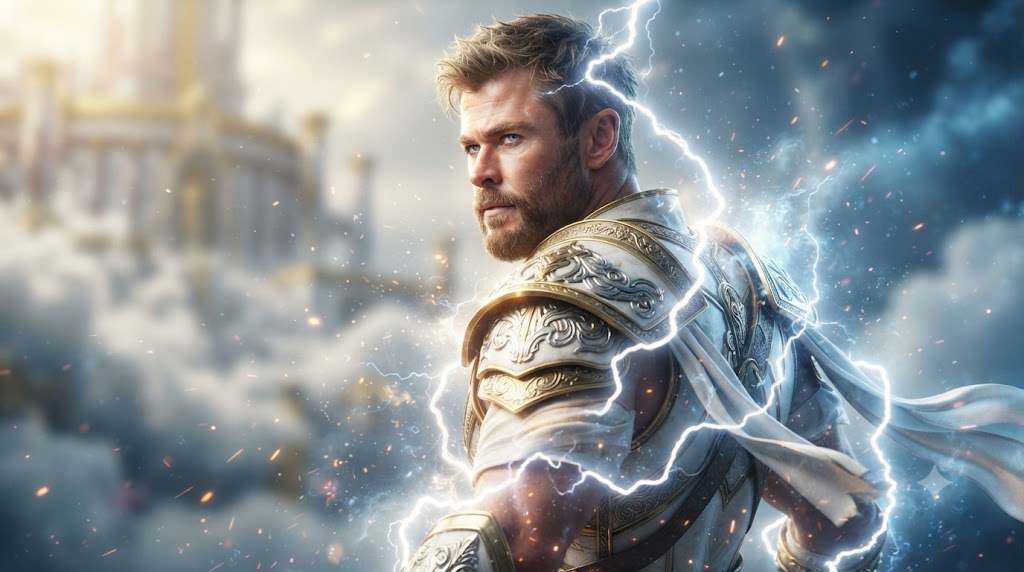
Image Generation
Celestial Thunder God Portrait Epic Norse Warrior Prompt
Gemini
3