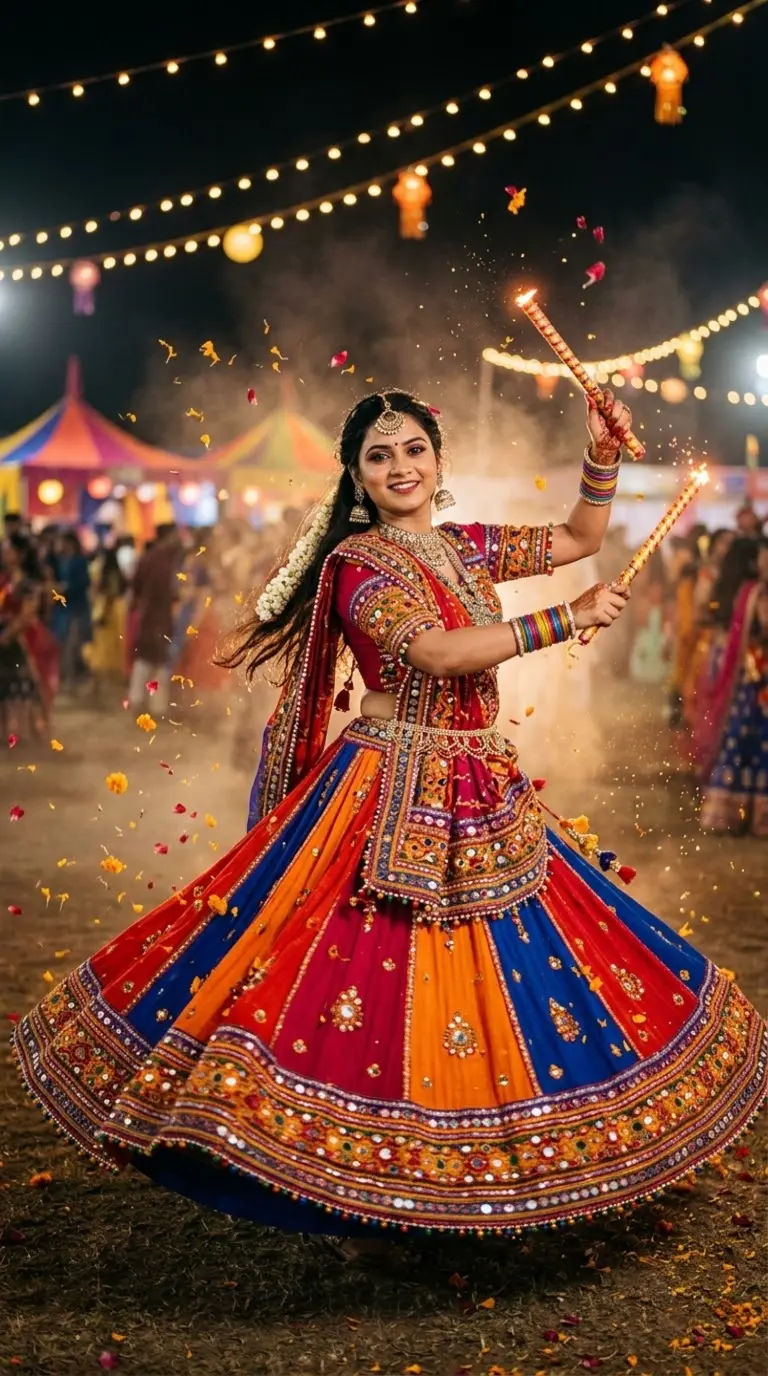
Navratri🔥
9:16
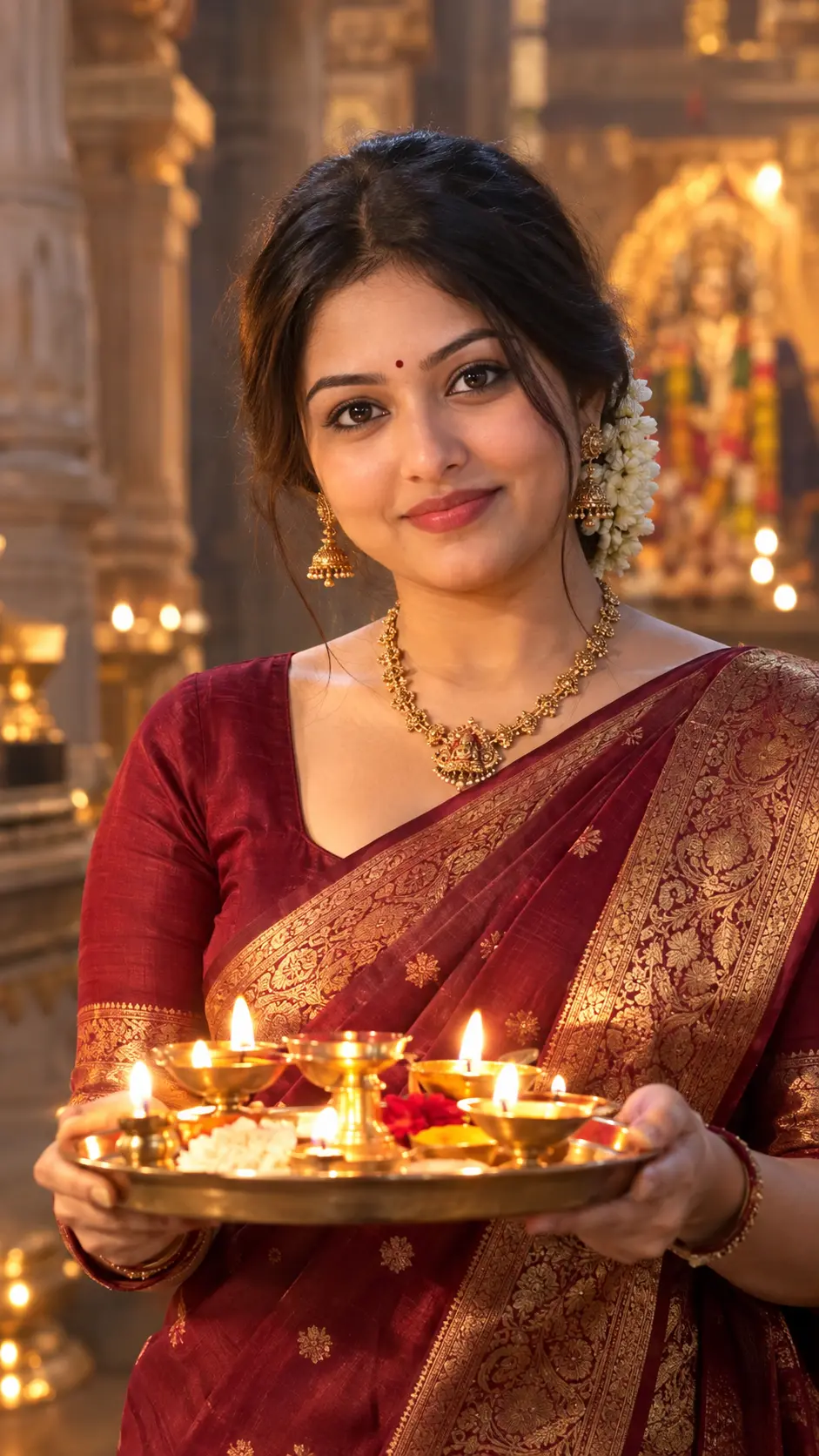
Banarasi Silk Saree Portrait 🔥 | Diya Aarti Festive Look Prompt
Tested photorealistic prompt engineered for Google Gemini, ChatGPT 4o, and Midjourney v6. Generates high-attitude portraits with authentic cinematic lighting and natural texture.
📋 Ready-to-Copy Master Prompt
Aspect ratio 9:16. Use the uploaded photo as the ONLY identity reference for the woman. Keep her identity 100% unchanged: face, facial structure, eyes, eyebrows, nose, lips, jawline, skin tone, age, expression style, hairstyle and natural features. Do not beautify, reshape or replace her face. Ultra-realistic 4K detail.
Premium ultra-photorealistic eye-level portrait of the same woman, centered in the frame, wearing a deep-maroon Banarasi silk saree with an elegant gold zari border and detailed woven zari work. She wears a small bindi, a traditional temple-style gold necklace, and fresh jasmine flowers in her hair. She holds a brass aarti thali with softly glowing lit diyas, with natural, steady flames.
Lighting: the warm light of the diyas naturally illuminates her face, creating soft golden highlights and realistic shadows, with gentle warm fill on the saree and zari so no detail is lost.
Setting: blurred temple pillars in the background with subtle atmospheric depth and a soft warm glow.
Camera: eye-level, 85mm lens, shallow depth of field, sharp focus on the eyes and face.
Style: cinematic warm lighting, realistic skin and fabric textures, natural jewelry, sharp gold zari detail, premium Ultra-HD photography, controlled highlights, clean and noise-free.
🛡️ Negative Shield / Avoid
changed face, identity change, facial reshaping, excessive beautification, plastic skin, distorted hands, extra fingers, unnatural diya flames, CGI, cartoon, excessive HDR, oversharpening, blur, text, logo, watermark
⚙️ Recommended Render Settings
Target AI Model
Gemini & Imagen 3
Aspect Ratio
9:16 (Vertical)
Lighting Style
Dramatic Rim / Split Light
Lens Emulation
85mm f/1.4 Medium Format
Customize in Master Studio
Want to switch outfits, change backdrops, or boost cinematic lighting? Use the Master Refiner tool.
🚀 How to Use this Prompt in 3 Simple Steps
1
Copy the Prompt
Click the green Copy Master Prompt button above to save the tested prompt to your clipboard.
2
Paste in Google Gemini or ChatGPT
Open Google Gemini (gemini.google.com) or ChatGPT 4o and paste the prompt directly into the prompt bar.
3
Generate & Download in 4K
Hit Enter. You will receive 4 ultra-sharp portrait variations with photorealistic lighting ready for DP or social media.
More Viral Festival & Ethnic Prompts
Explore all in Festival & Ethnic →
Frequently Asked Questions
For optimal photorealism in Google Gemini, ensure you are using Gemini Advanced with Imagen 3. Imagen 3 preserves authentic skin pores, avoids the plastic airbrushed look, and correctly renders lighting and textiles like leather and silk.
Yes! Simply edit the opening sentence (e.g. change "young man" to "28-year-old man with beard" or change the outfit color). The camera lenses and lighting directives at the end of the prompt will maintain the high editorial quality.
Negative prompts instruct AI models to suppress common artefacts like cartoon smoothing, extra fingers, overexposure, and blurry eyes, resulting in pristine magazine-grade output.
Yes, all curated prompts on HowToWritePrompt.in are 100% free to copy, customize, and use for personal or commercial projects.