Trending 👑
9:16
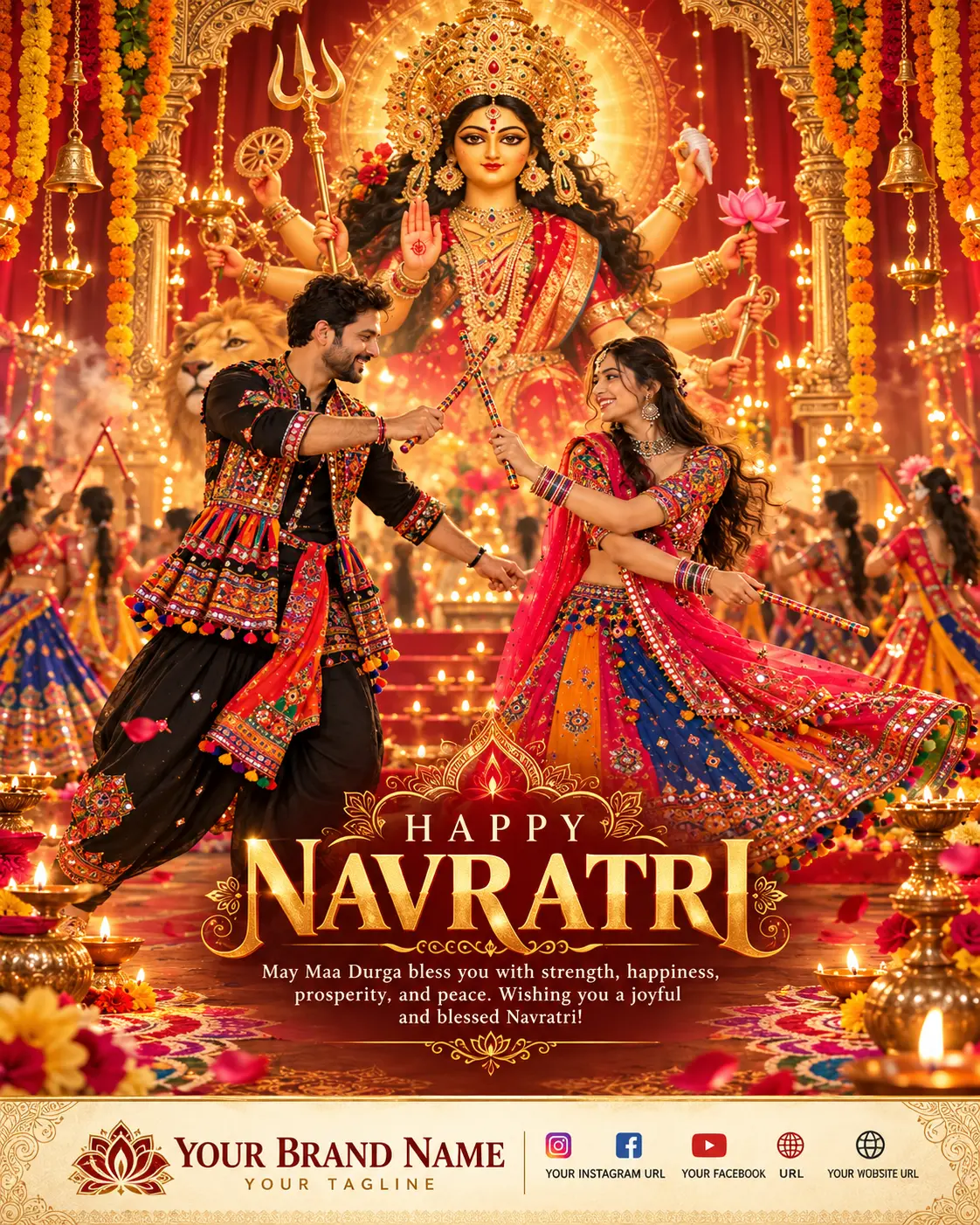
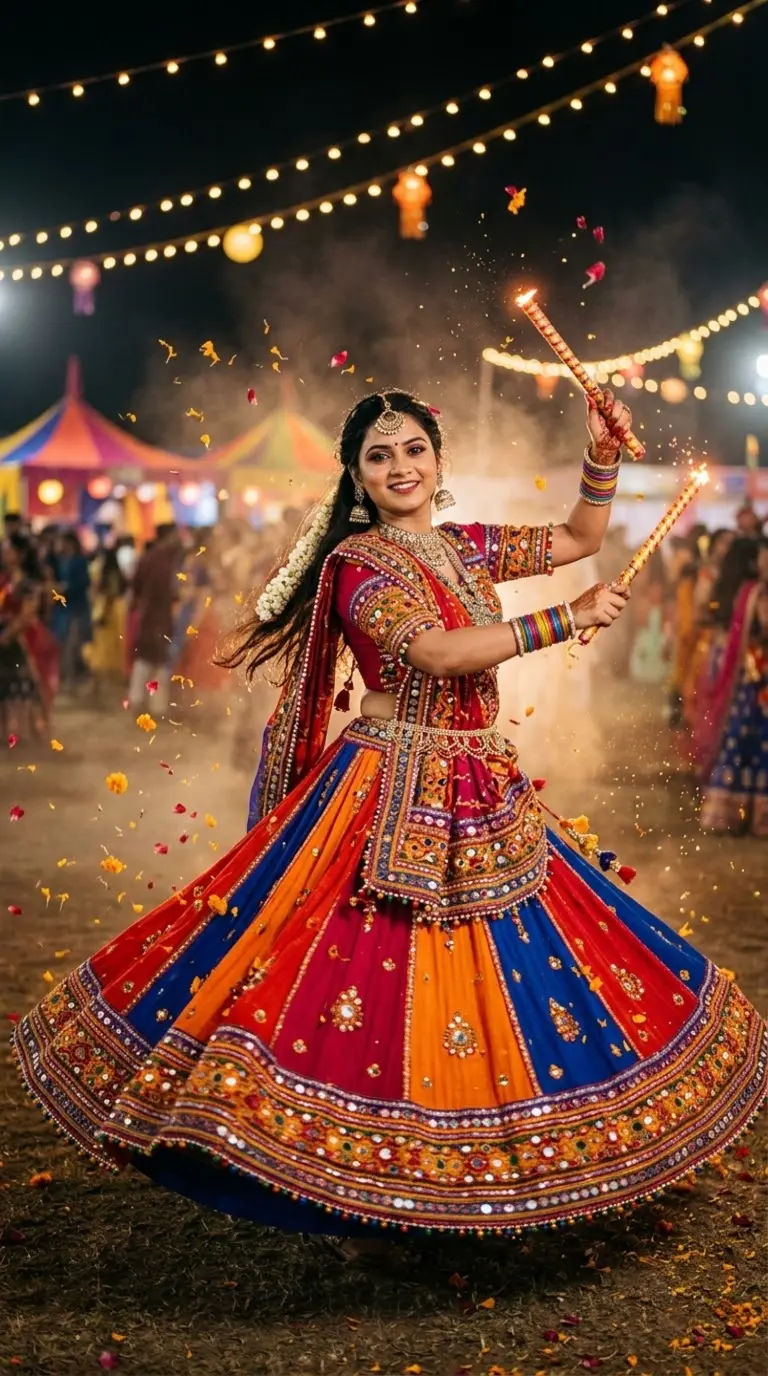
Navratri Wishes Poster ✨ | Maa Durga Greeting with Brand Footer
Tested photorealistic prompt engineered for Google Gemini, ChatGPT 4o, and Midjourney v6. Generates high-attitude portraits with authentic cinematic lighting and natural texture.
📋 Ready-to-Copy Master Prompt
Vertical 4:5 social media poster. Use the uploaded reference image as the primary visual inspiration. Create one single finished, premium Happy Navratri greeting poster, not a collage, ultra-detailed and professionally designed.
Main artwork: a divine, elegant composition of Maa Durga at the center with a glowing golden aura, a traditional Trishul, and a large glowing lotus. Around her, graceful Indian dancers in colorful embroidered Chaniya Choli are caught mid-Garba, with floating marigold and rose petals drifting through the air. Intricate gold embroidery details, warm divine lighting, realistic textures, detailed traditional attire.
Style and colors: luxurious Indian festive aesthetic in deep red, vermilion, saffron, gold, cream and soft pink. Ornamental golden border, subtle mandala patterns, delicate rangoli details, balanced composition, premium graphic design.
Headline text: "HAPPY NAVRATRI" in large, elegant, highly readable golden typography at the top or center.
Greeting text below the headline: "May Maa Durga bless you with strength, happiness, prosperity, and peace. Wishing you a joyful and blessed Navratri!"
Footer: a clean, elegant footer along the bottom edge, separated from the artwork by a thin golden line, on a deep red background.
Brand name (prominent, elegant typography): "Rangotsav Studio"
Tagline: "Celebrate Every Colour of Life"
Social icons with short handles, neatly aligned in one row:
Instagram: @rangotsavstudio
Facebook: Rangotsav Studio
YouTube: Rangotsav Studio
Website: www.rangotsavstudio.com
Keep the footer subtle so it supports the artwork. Keep all text and important elements inside safe margins with clear spacing around the footer. Sharp text, clear hierarchy, harmonious colors, high resolution.
🛡️ Negative Shield / Avoid
collage, split panels, misspelled text, garbled letters, extra text, extra brand names, random logos, watermark, blurry text, distorted face, distorted hands, extra limbs, cluttered footer, text outside margins, cartoon, anime, muddy colors
⚙️ Recommended Render Settings
Target AI Model
ChatGPT 4o
Aspect Ratio
9:16 (Vertical)
Lighting Style
Dramatic Rim / Split Light
Lens Emulation
85mm f/1.4 Medium Format
Customize in Master Studio
Want to switch outfits, change backdrops, or boost cinematic lighting? Use the Master Refiner tool.
🚀 How to Use this Prompt in 3 Simple Steps
1
Copy the Prompt
Click the green Copy Master Prompt button above to save the tested prompt to your clipboard.
2
Paste in Google Gemini or ChatGPT
Open Google Gemini (gemini.google.com) or ChatGPT 4o and paste the prompt directly into the prompt bar.
3
Generate & Download in 4K
Hit Enter. You will receive 4 ultra-sharp portrait variations with photorealistic lighting ready for DP or social media.
More Viral Festival & Ethnic Prompts
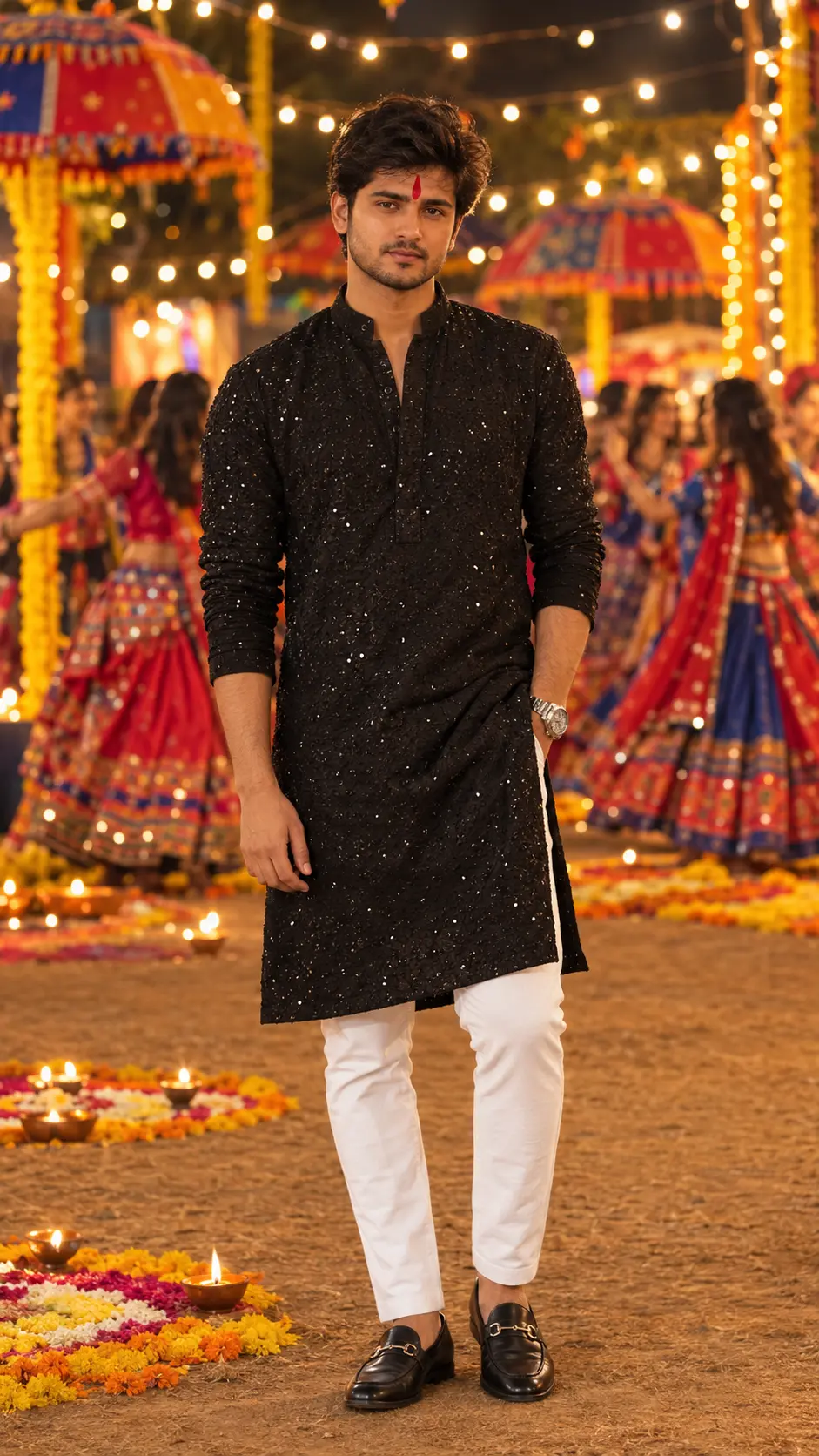
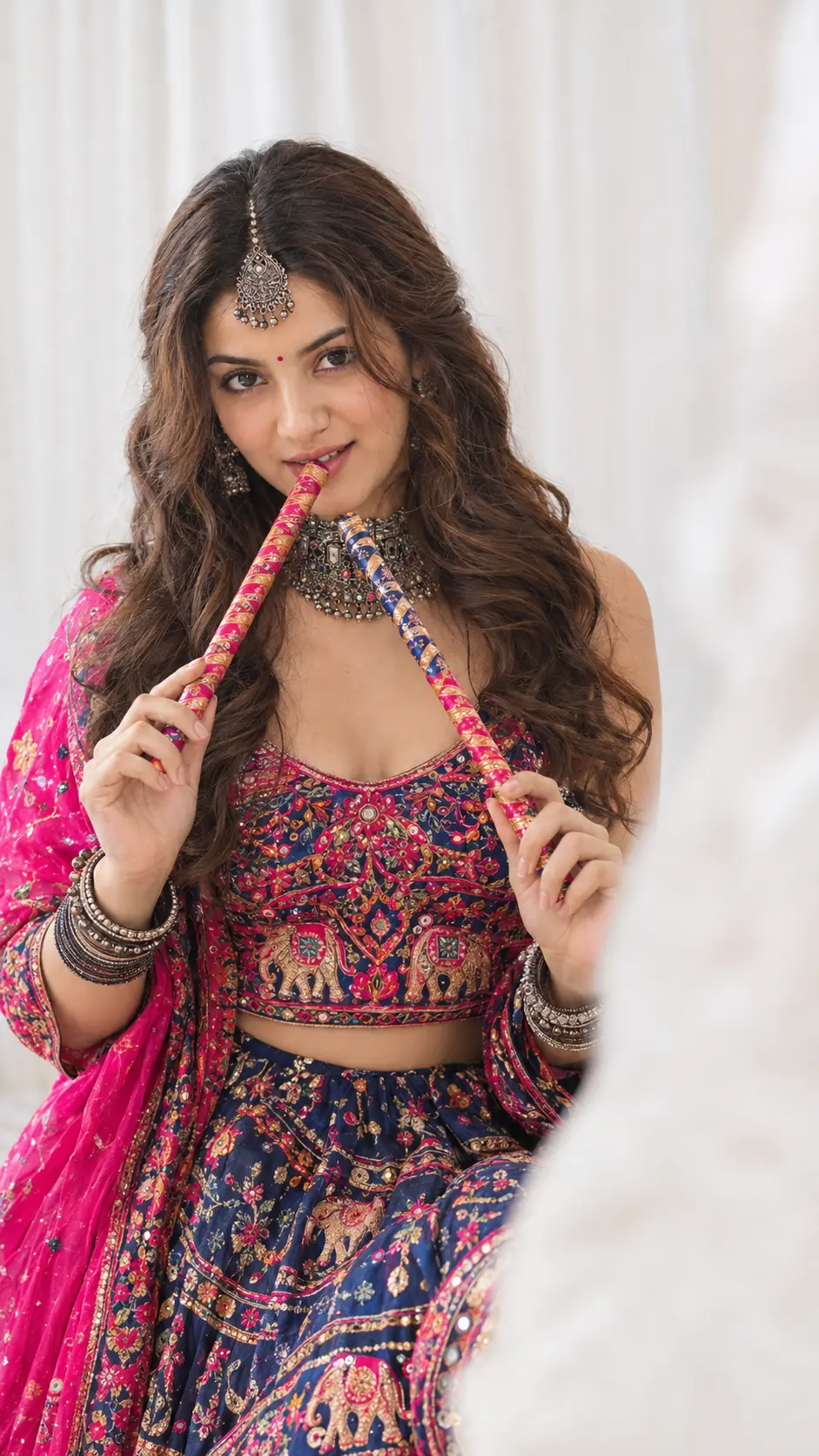
Explore all in Festival & Ethnic →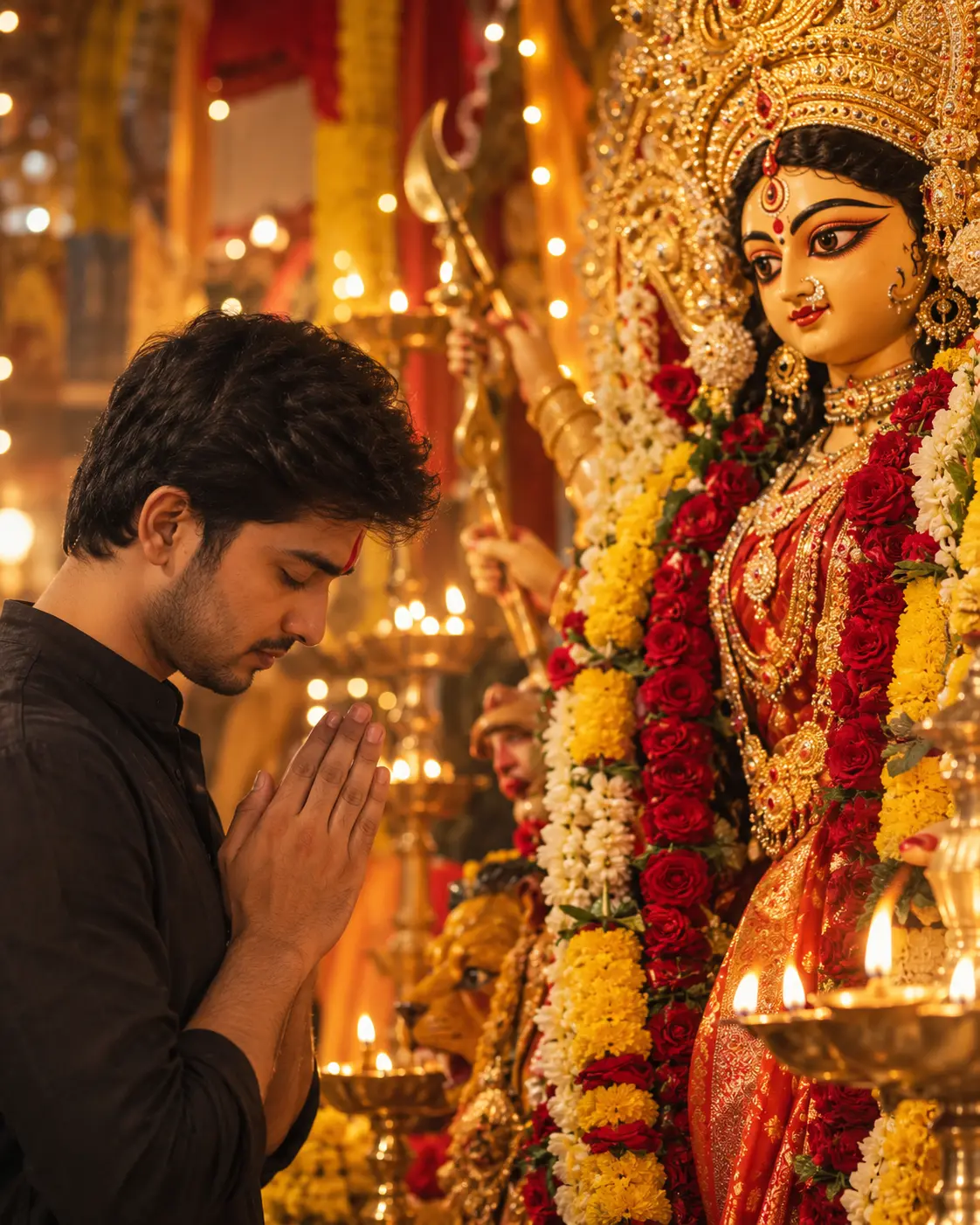
Frequently Asked Questions
For optimal photorealism in Google Gemini, ensure you are using Gemini Advanced with Imagen 3. Imagen 3 preserves authentic skin pores, avoids the plastic airbrushed look, and correctly renders lighting and textiles like leather and silk.
Yes! Simply edit the opening sentence (e.g. change "young man" to "28-year-old man with beard" or change the outfit color). The camera lenses and lighting directives at the end of the prompt will maintain the high editorial quality.
Negative prompts instruct AI models to suppress common artefacts like cartoon smoothing, extra fingers, overexposure, and blurry eyes, resulting in pristine magazine-grade output.
Yes, all curated prompts on HowToWritePrompt.in are 100% free to copy, customize, and use for personal or commercial projects.