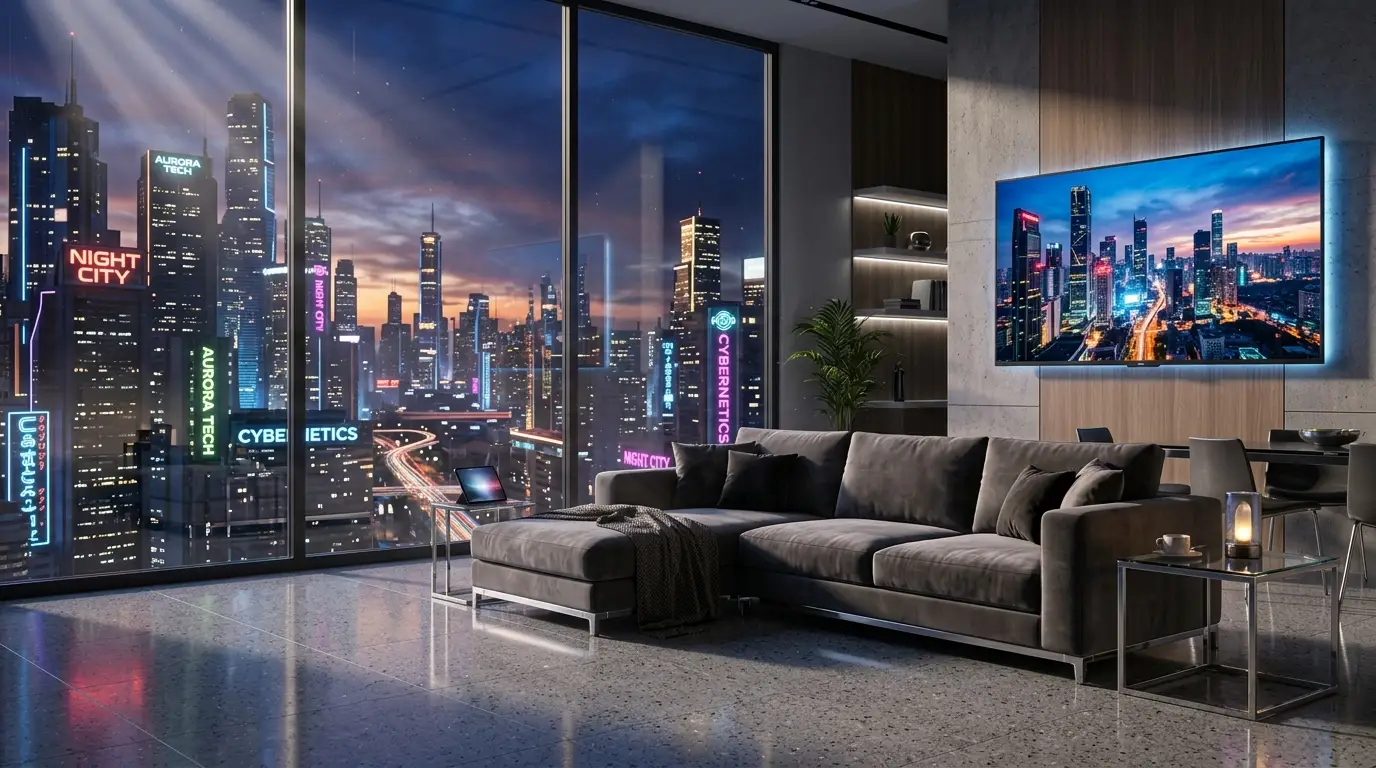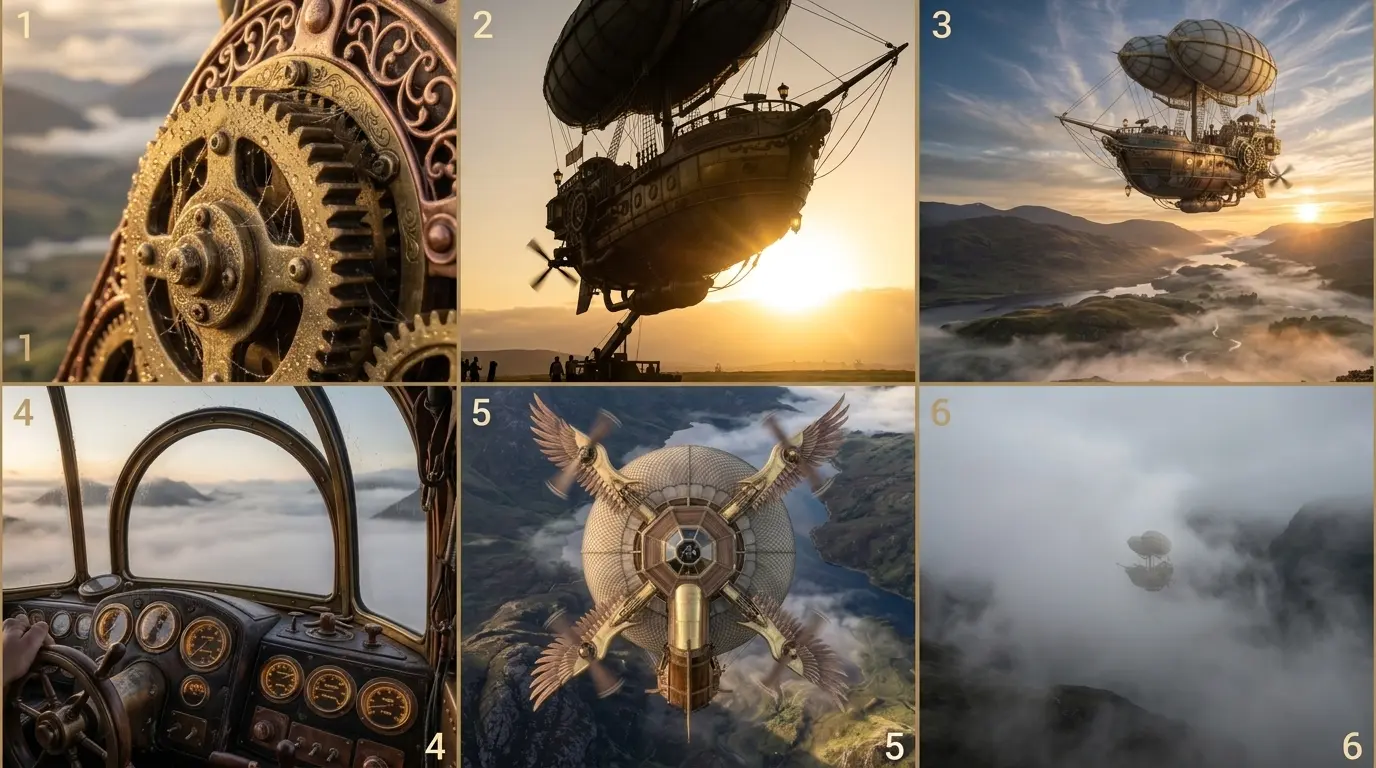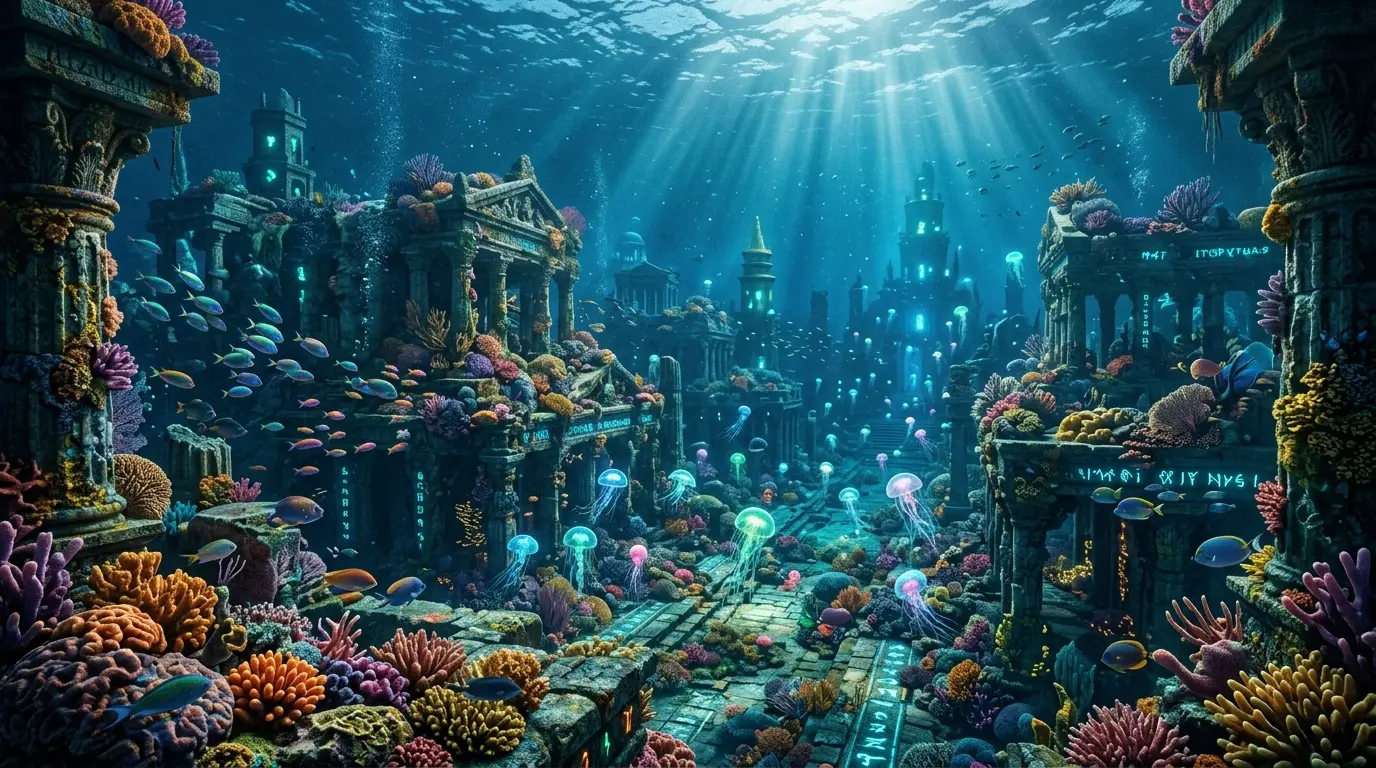
The illusion of depth: Beyond buzzword prompting
Walk through any online generative art gallery, and you will notice a persistent pattern: characters that look like glossy plastic figurines. Their skin has an unnatural, uniform sheen; their hair looks like extruded wax, and background lights blend together into a muddy, desaturated mess.
This artificial look occurs because of a systemic error in prompt design: relying on vague, circular quality buzzwords like "photorealistic," "8K," or "hyperdetailed." These words do not describe physical materials or light behavior; instead, they steer the rendering model toward databases of pre-rendered 3D assets, which inherently possess that synthetic "CGI gloss."
To break this cycle, you must write prompts using the language of real-world optics, materials, and lighting geometry. By controlling lens focal lengths, specifying the specular properties of wet surfaces, and restricting your light sources to a clean, high-contrast duotone, you can force the model to render believable textures and organic depth.
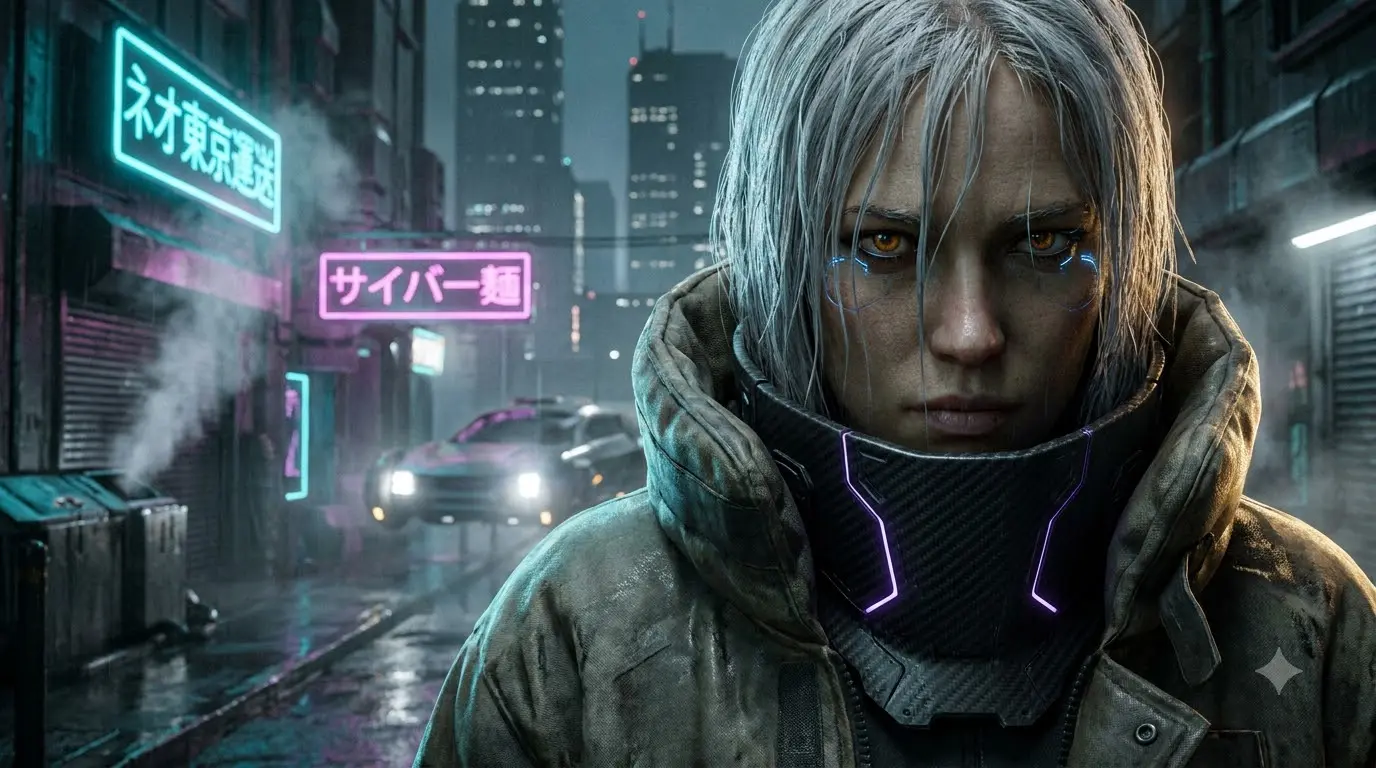
To demonstrate how these physics principles translate to an actual image, we generated the featured cover asset below using the exact, buzzword-free master prompt in this guide:
The resulting image has natural light dispersion, clear distinctions between matte and reflective surfaces, and sharp structural details. These details were achieved without relying on a single generic quality keyword.
The master prompt card
Here is our production-tested master prompt, engineered to balance high contrast with rich volumetric detail:
Optic mechanics: Why this prompt works
To build predictable prompts, you must treat your text as a structured instruction set. Here is how the physical and optic properties specified in our master prompt interact under the hood during the generation process:
Optical Keyword / PhraseMechanical FunctionUnder-the-Hood Rendering Impact"dramatic close-up portrait"Compositional BoundaryRestricts the model's canvas space. Directs the pixel-generation budget to facial geometry, skin pores, and iris textures rather than background buildings."rain-slicked alleyway"Specular MappingInstructs the model to assign a highly reflective, wet material map to streets and walls, multiplying the bounce light and creating rich specular highlights."matte carbon-fiber... glowing violet"Material ContrastInterleaves light-absorbing matte surfaces with sharp, emissive light paths. The violet light acts as a localized illumination source, carving out the chin and jawline."85mm prime lens at f/1.4"Focal Compression & DepthMimics the optical behavior of a portrait lens. Compresses facial features for flattering proportions and forces a shallow depth of field, turning busy streets into soft bokeh."low-key chiaroscuro... rim-lighting"Lighting Rig SetupChiaroscuro maintains deep shadow pools, preserving contrast. Volumetric rim-lighting casts a high-intensity glow from behind the subject, outlining their silhouette against the dark background."dense atmospheric mist"Volumetric ScatteringActs as a light diffusion medium. Neon light rays scatter into glowing cones, adding authentic environmental haze and spatial layering.Five creative variations
If you want to move away from the standard alleyway scene, these five entirely original prompt variations explore diverse environments, lighting setups, and cultural fusions. Each has been written from scratch to avoid any repetitive templating patterns.
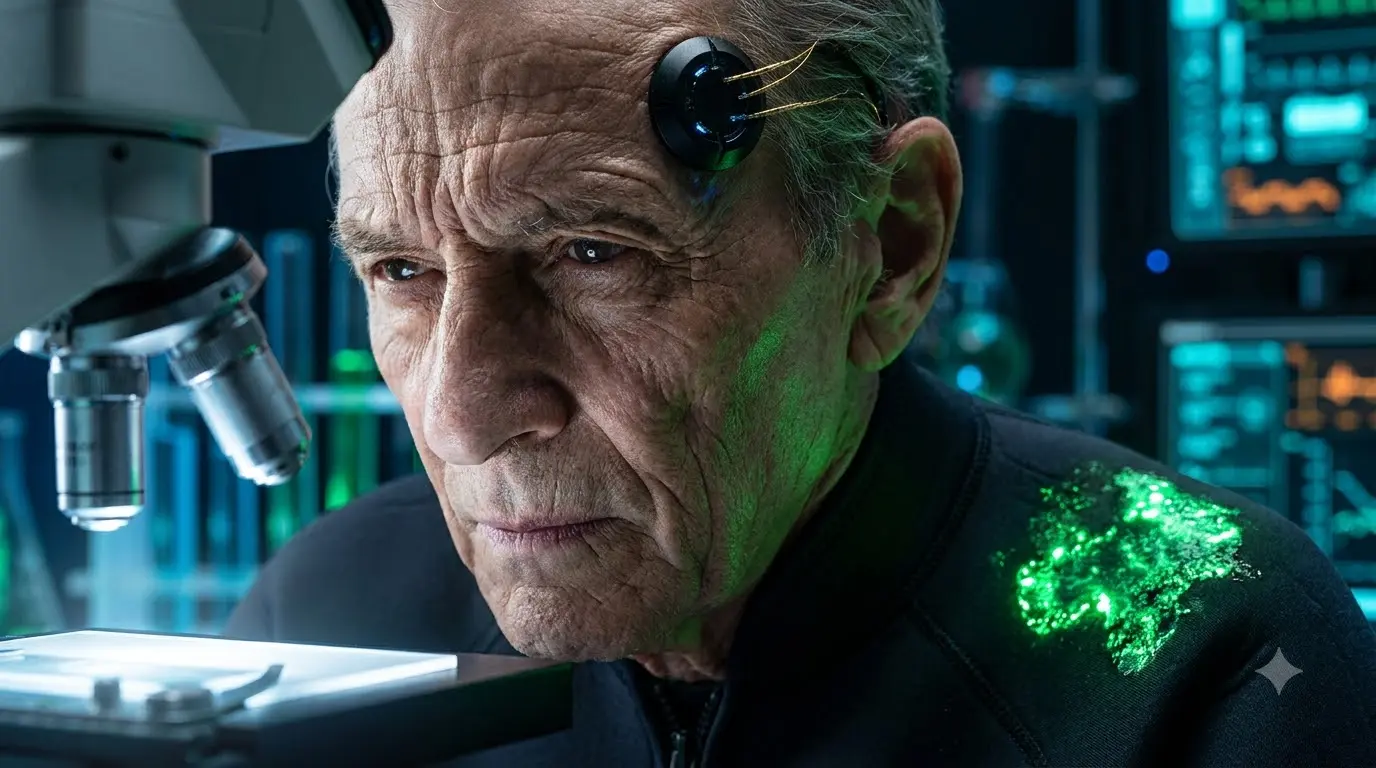
1. Tactile cyber-biologist lab study
Swaps the neon streets for cold, sterile laboratory lighting, focusing on micro-biological glow and organic-synthetic textures.
2. Lofi retro-synth street vendor
Emulates the hand-painted, grainy cel aesthetics of late-1980s retro-anime, avoiding modern digital perfection in favor of analog warmth.
3. Tactile blueprint exploded portrait
Fuses a physical human subject with technical schematic details, creating a striking split-screen or wireframe integration.
4. Post-industrial dust-storm scavenger
Ditches the midnight rain cliché for dry, sun-baked, copper-hazed desert daylight and grit-crusted metallic plating.
5. Neo-Seoul urban rain-slicked rooftop
Focuses on high-altitude perspective, cool-toned ambient twilight, and rich reflections on wet technical leather.
Platform calibration index
Different rendering engines translate camera commands and material properties in fundamentally different ways. Use this calibration matrix to tailor your prompt parameters:
EngineIdeal Syntax & FlagsStrongest AttributesCommon Bottlenecks & Practical FixesMidjourney (v6 / v7)Use aspect ratio flags like --ar 3:4 or --ar 9:16. Append --style raw to disable default artistic algorithms.Captures natural film grain, realistic light diffusion, and authentic lens physics with unmatched organic grit.Can sometimes struggle with complex text. To resolve, place all required text in strict double quotes.DALL·E 3Incorporate highly descriptive, literal language. Avoid technical camera codes (e.g., --ar) and focus on describing the effect instead.Flawless text rendering and extreme adherence to highly complex, multi-subject scenes.Tends to output flat, plastic skin by default. Force physical texture words ("visible pores," "rough fabric") into the prompt.Gemini (Imagen 3)Set rendering output to high/ultra. Focus on clean lighting directions and precise, structured layouts.Exceptional color contrast, high-resolution rendering, and pristine vector-style graphic design.Can occasionally over-smooth fine facial lines. Add "unprocessed, realistic skin pores" to resolve.Stable Diffusion (SDXL / v3)Use weight modifiers such as (glowing lines:1.2). Pair with a precise negative prompt: (blurry, plastic render, smooth skin:1.3).Complete local customization of seeds, custom-trained LoRAs, and physical canvas dimensions.Requires meticulous negative prompt building to prevent visual artifacts and bizarre anatomical errors.Troubleshooting: Solving common rendering failures
If your character outputs look flat, plastic, or amateurish, check your prompt structure against these three common physical rendering errors:
- Error 1: The CGI "Plastic" Face
- Why it happens: Relying on vague quality terms like "hyperdetailed" or "unreal engine." These steer the generator toward artificial 3D model libraries.
- The Fix: Delete those words. Replace them with specific physical material properties (
weathered jacket fabric,visible skin texture) and camera parameters (85mm lens at f/1.4,subtle analog film grain). - Error 2: Muddy, Low-Contrast Shadow Pools
- Why it happens: Requesting too many conflicting light sources or light colors in the same scene. This washes out the directional shadow lines.
- The Fix: Restrict your primary lighting to a highly controlled, two-tone color palette (e.g., "neon cyan and magenta" or "warm amber and violet"). This keeps shadows deep and maintains structural facial contrast.
- Error 3: Background city blocks crowding the frame
- Why it happens: Describing background buildings, traffic, and scenery in the first half of the prompt, or spending too much text on the setting.
- The Fix: Apply the Structure-then-Goal principle. Specify your portrait framing immediately in the first sentence (
dramatic close-up portrait), allocate 70% of the text to your character, and tuck background details into the final sentences, reinforcing them with depth cues (soft-focus distance,bokeh background).